
media-image
media-image
media-image

About The Program

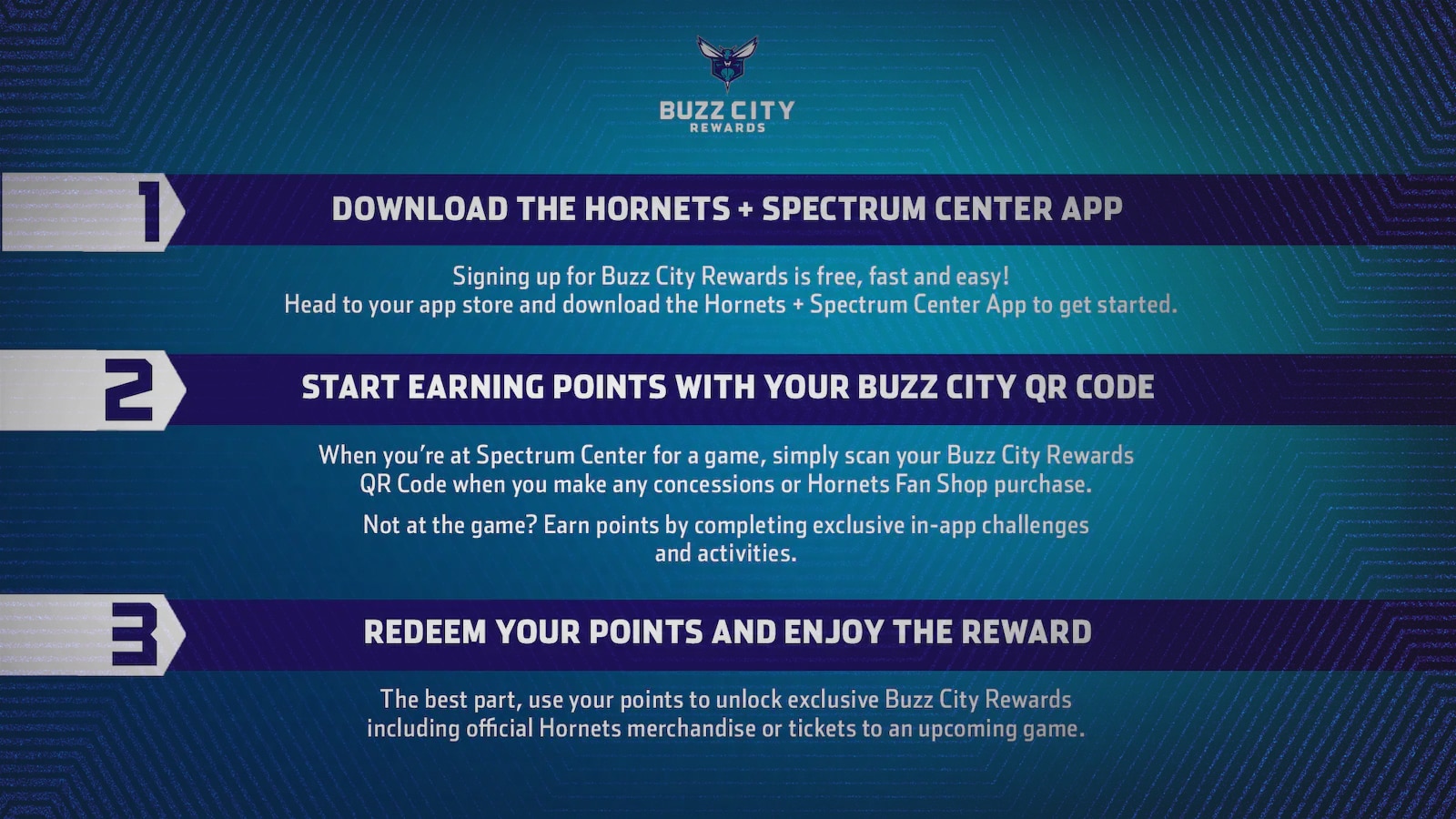
Buzz City Rewards is the official rewards program of the Charlotte Hornets. Accessible through the Charlotte Hornets mobile app and desktop, it's designed to recognize and reward loyal fans, season ticket holders, and beyond for actions they take around the Hornets.

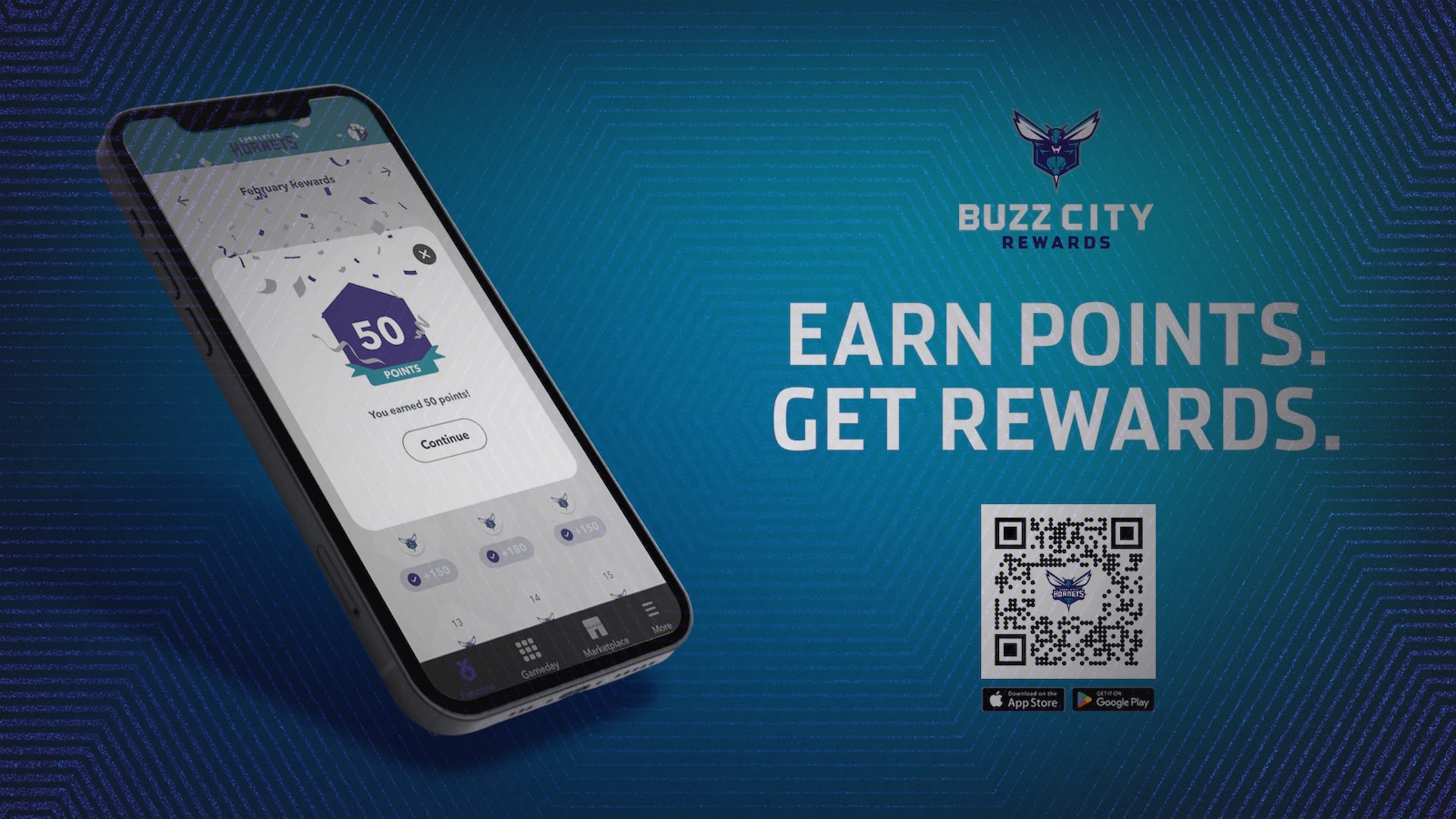
  • Buzz City Rewards is available for free in the Hornets app. Download the app today: App Store and Google Play.
  • Navigate and tap on the Buzz City Reward card on the home page of the app.
  • From there, tap “Register” and enter the email address. 
  • Buzz City Rewards is also available on your desktop, located at Buzz City Rewards Desktop. For the most optimal fan experience, we recommend accessing Buzz City Rewards through the Hornets mobile app. 

Buzz City Rewards is accessible on any iOS or Android device.

Buzz City Rewards is a 365-day program so you can earn and redeem all year long!

Buzz City Rewards is available to all Hornets fans.

Your points will expire after 12 full months on a first-in, first-out (FIFO) basis.

-  The oldest points are the first to expire.

-  The oldest points are spent first when redeeming rewards.

Yes, when you first sign up for Buzz City Rewards, a tutorial will guide you through the program. You can revisit the tutorial anytime by tapping 'More' in the main navigation bar and selecting 'Tutorial' for a full walkthrough.

Tap "More" in the main navigation bar, then select "Help" to get assistance with any questions you may have.

Make sure to use a strong, unique password for your account, and avoid sharing your login details with others.

Earning Points

  • Earning points is easy! Keep doing what you do as a fan:
      Attending home games and earning points for each ticket scanned.
      Watching away games on TV through check-in-based rewards.
      Reading articles, watching videos, and listening to podcasts.
      Daily Buzz City Rewards check-ins.
      Participating in gamified experiences during away games by answering live Hornets-related questions before tip-off, during TV timeouts, and at halftime.
    • And more.

No, every fan has the same opportunity to earn points which must be earned through designated activities.

Yes, make sure to turn the notifications on in Settings from your device.

After you scan your tickets, you will automatically receive a notification to claim your points. Please allow up to 1 hour for this notification to arrive.

For each Hornets away game, Buzz City Rewards members can join an exclusive game day experience. Pregame questions will be sent out two hours before tip-off. During TV timeouts and halftime, fans will receive questions spanning predictive, trivia, and recall categories. Members can earn points for correct answers, compete against each other, view their standings on the leaderboard, and win prizes.

No, questions must be answered live during the game to earn points. There will be multiple questions throughout the game, providing ongoing opportunities to accumulate points.

Redemptions & My Orders

Once you’re inside the program and registered, tap the Marketplace icon in the main navigation bar (bottom of your screen on mobile, left on desktop) to explore a wide array of products and collections. After selecting your desired items, you can choose “Redeem Now” to immediately use your points or “Add to Cart” if you wish to continue shopping in the Marketplace.

  • Official Hornets Shop gear ranging from jerseys, hats, shorts, t-shirts, jackets, and so much more.
  • Brand Partner Offers
  • Tickets and Upgrades.
  • Memorabilia.
  • Exclusive experiences include opportunities such as the high-five tunnel and half-court shots!

Hornets Shop-related items are shipped directly to your doorstep. Simply enter your shipping address upon checkout.

To check the status of an order, go to the Marketplace (bottom of your screen on mobile, left on desktop), then tap the hamburger menu in the top right corner next to the cart icon. From there, you can select “Orders” to view your order status.

Yes, new redemption options are constantly added to Buzz City Rewards throughout the year.

All store redemptions are final and cannot be refunded or exchanged.

  • Yes! Saved shipped addresses can be easily updated or changed through the Marketplace by following these steps:
      Click on the hamburger menu (three horizontal lines) in the top right corner of the screen.
      Select “Shipping Address”
    • Add, delete, or edit an address as needed.

Account

  • You can update your password in two easy ways:
      Select “Forgot Password” on the sign-in screen to reset your password or
    • Go to the Account Options page and click “Change Password” to update your existing password.
  • To update your profile information, please fill out the Support Fields with your requested changes under the Profile page.
  • Usernames are final and cannot be changed.

No, your points and rewards are linked to your account, not the app. Simply reinstall the app and log back in to access your account.

Technology

  • Buzz City Rewards requires a compatible mobile device running one of the following operating systems:
      Apple iOS 15.0 or later.
      Apple iPadOS 15.0 or later.
    • Android 8 or later.
  • In addition, you can access it via desktop.

Yes, make sure to turn the notifications on in Settings!

media-image